

CAM Training Institute
CAM DESIGN
The Unigraphics NX (UG-NX) CAM Course is designed to teach the complete CAD–CAM–CNC manufacturing workflow used in modern digital manufacturing. The course covers 2D drafting, 3D product modeling, toolpath generation, and NC code creation using NX CAM software.
Learners gain practical experience in toolpath simulation, machining strategies, and CNC program generation through hands-on training.
By the end of the course, students will be able to generate, verify, and optimize CNC machining programs using NX CAM for industrial production.
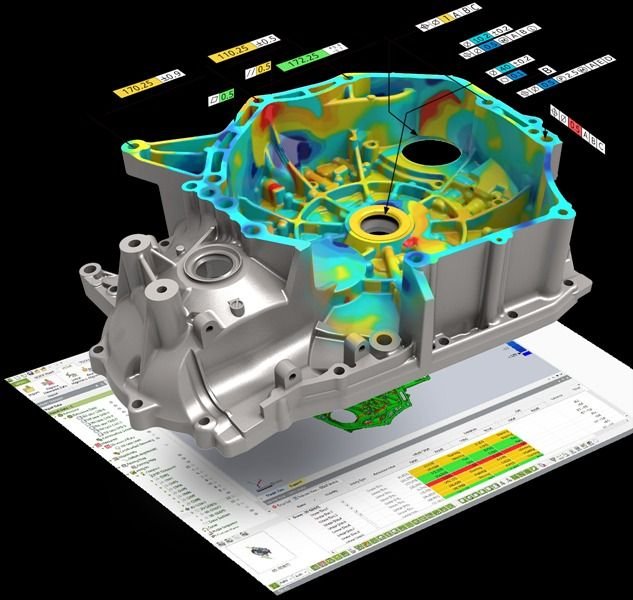
WHY CHOOSE THIS PROGRAM
Industry-focused CAM design curriculum
Covers essential computer-aided manufacturing concepts including toolpath generation, machining strategies, CNC integration, and production planning used in modern manufacturing industries.
Practical learning with machining projects
Work on hands-on manufacturing exercises and machining simulations to understand how digital designs are converted into CNC machining operations.
Instructor-led manufacturing sessions
Includes guided sessions where instructors demonstrate toolpath creation, machining setup, process optimization, and CAM programming techniques.
Hands-on CAM programming experience
Generate machining toolpaths and manufacturing instructions using tools such as Mastercam, Fusion 360, and other industry-standard CAM software used in CNC production environments.
CAREERS IN ADVANCED CAM DESIGNING
450K+
jobs in India (2026)
$90B+
global market value
85% Mfg
companies use CAD tools
Up to ₹12 LPA
avg salary
After completing the course, learners can pursue roles such as:
CAM Programmer
CNC Programmer
Manufacturing Engineer
NX CAM Engineer
Production Planning Engineer
CNC Process Engineer
These roles are available in manufacturing industries, CNC machining centers, automotive companies, aerospace firms, and engineering services companies.
TRAINING PHASES
Objective: Understand the CAD-to-CAM process and Unigraphics NX interface.
Topics:
What is CAM and its role in manufacturing
NX environment overview (Modeling, Manufacturing, Simulation)
CAD–CAM workflow: part → setup → toolpath → NC code → simulation
File formats and industry relevance
Lab: Explore NX workspace and load a sample CAM project.
Objective: Prepare 2D drawings and clean geometry for CAM operations.
Topics:
2D sketching, constraints, and profiles
Importing/cleaning DXF & DWG files
Creating contour sketches and defining boundaries
Lab: Draft a 2D part, clean geometry, and prepare for CAM.
Objective: Model CAM-ready parts and define machining stock.
Topics:
Solid/surface creation tools (extrude, revolve, fillet)
Datum planes and reference geometry
Defining workpiece, stock, and blank size
Lab: Model a simple component and define stock geometry.
Objective: Create machine coordinate systems and fixture setups.
Topics:
Work coordinate system (WCS) and orientation
Zero point selection, fixturing, and setup management
Stock alignment and safe tool clearance zones
Lab: Create a valid machine setup for a 3-axis part.
Objective: Manage tools and cutting data for accurate toolpath generation.
Topics:
Tool creation (end mills, drills, taps, etc.)
Feed, speed, depth, and step-over parameters
Tool length offset and tool life basics
Lab: Build a tool library and assign tools to operations.
Objective: Generate and edit toolpaths for different machining operations.
Topics:
Facing, pocketing, contouring, drilling cycles
Z-level roughing/finishing and freeform surface machining
Entry/exit moves and collision avoidance
Lab: Program a 2.5D and 3D part and simulate toolpath motion.
Objective: Generate machine-ready NC programs.
Topics:
Post-processor selection and customization
G-code/M-code review for different controllers
Header/footer format and dwell/coolant commands
Lab: Post-process CAM operations and inspect NC output.
Objective: Validate NC programs before production.
Topics:
Toolpath, material removal, and collision simulation
Machine envelope checks and tool/holder interference
Verification reports and error correction
Lab: Run simulation and verify stock removal accuracy.
Objective: Refine toolpaths and generate manufacturing documentation.
Topics:
Feed/speed tuning and strategy optimization
Generating setup sheets, tool lists, and operation reports
Process planning and time estimation
Lab: Optimize a toolpath for cycle time and output setup sheet.
Objective: Complete an end-to-end manufacturing simulation project.
Project Scope:
Model a part → Define setup → Create toolpaths → Generate NC → Verify simulation
Include facing, pocketing, drilling, and contour finishing operations.
Deliverables:
NC code, setup sheet, simulation screenshots, and short report.
Outcome: Students gain complete confidence in automated code generation and verification using NX CAM.
MASTER IN-DEMAND CAM DESIGN TOOLS
CAREER SUPPORT
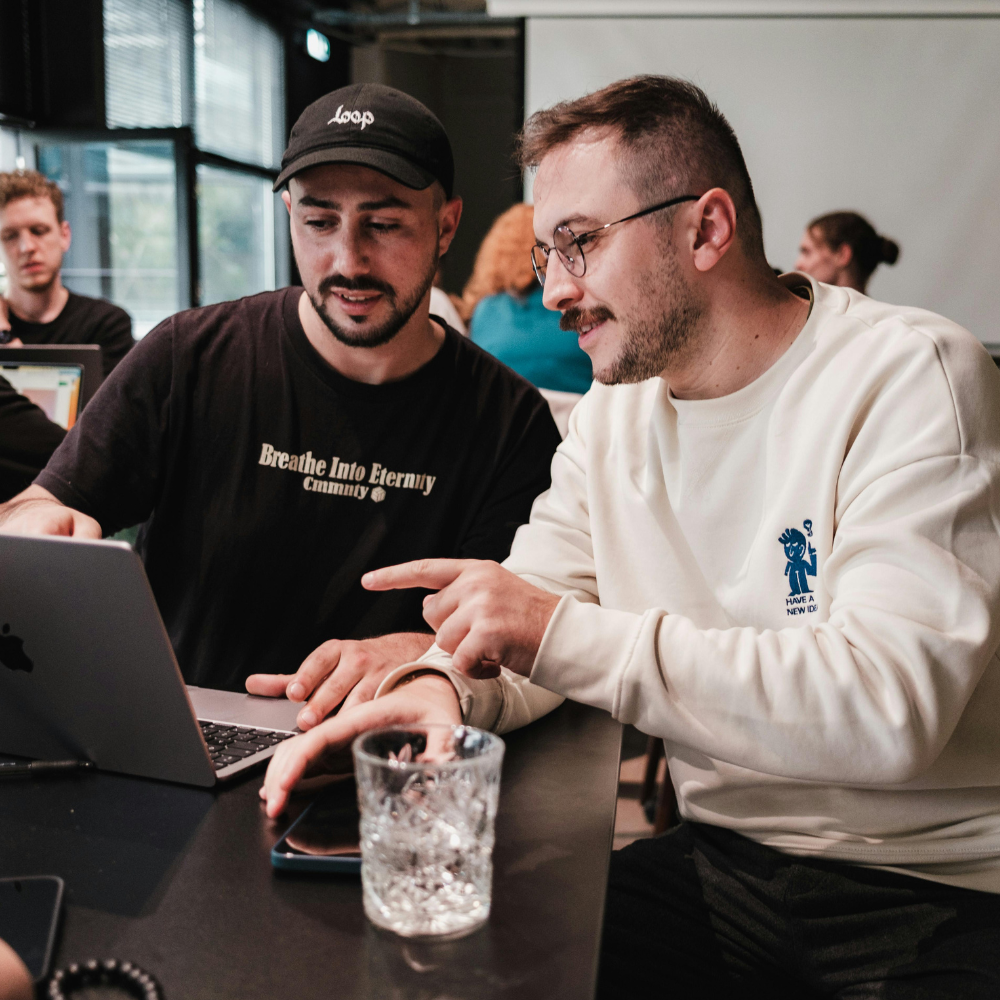
1:1 mentorship from industry experts
Get 1:1 career mentorship from our industry experts to prepare for jobs in AI and ML

Interview prep with experts
Participate in mock interviews and access our tips & hacks on the latest interview questions of top companies

Resume & profile review
Get your resume/cv and LinkedIn profile reviewed by our experts to highlight your AI & ML skills & projects

Access to RagatechSource Job Board
Apply directly to top opportunities from leading companies with our Job Board
DURATION
Total Duration: 2 Months
1 Month: CAD Fundamentals
1 Month: NX CAM Programming
Daily Duration: Up to 8 hours per day
Includes: Recorded sessions for revision
WHO CAN JOIN
Diploma / B.Tech Mechanical or Production students
CNC operators or CAD professionals
Engineers interested in CAM programming and manufacturing
Professionals upgrading skills in NX CAM software
Frequently Asked Questions (FAQs)
This program covers the complete CAD-to-CAM workflow, including geometry preparation, toolpath creation, simulation, verification, and NC code generation using Unigraphics NX CAM.
The course is suitable for diploma and engineering students, CNC operators, CAD-trained learners, and professionals seeking manufacturing-focused CAM skills.
No prior CAM experience is required. The course offered by our CAM Training Institute starts with fundamentals and gradually progresses to advanced machining workflows.
The training is primarily practical. Learners work on real manufacturing components, perform simulations, and validate toolpaths in a lab-based environment
Learners are trained using Unigraphics NX CAM for toolpath generation, simulation, and post-processing.
Yes. Learners receive a course completion certificate from Raga Tech Source after successfully finishing the training.
Yes. The course structure supports working professionals through guided sessions, hands-on practice, and revision support.
Raga Tech Source, a dedicated CAM center, focuses on real-world manufacturing workflows, simulation-based learning, and industry-relevant CAM practices.