

2D VFX Training Institute
2D VFX
The 2D VFX Course introduces learners to the fundamentals of visual effects and compositing used in films, television, and digital media. The course focuses on layer-based 2D workflows, including rotoscoping, paint cleanup, keying, color correction, and compositing.
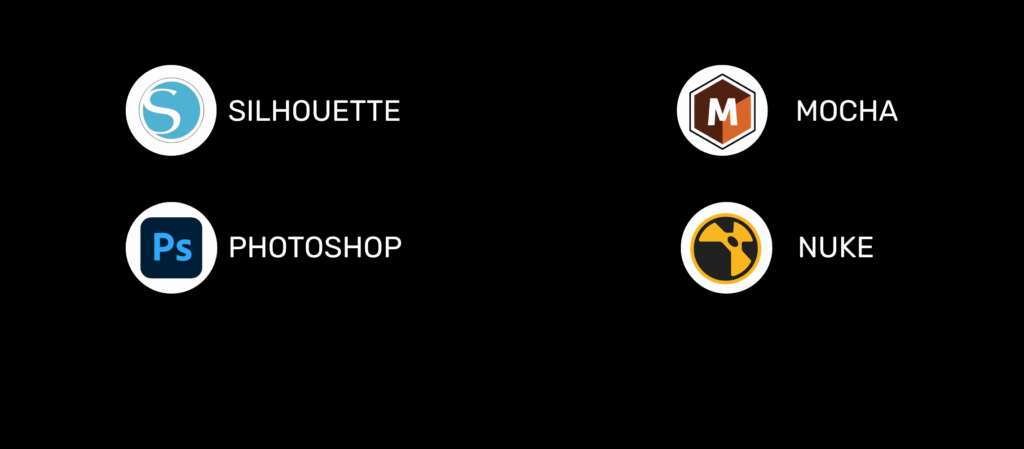
Students gain hands-on experience using industry-standard software such as Adobe After Effects, Nuke, and Silhouette while working on real footage and practical exercises.
By the end of the course, learners will be able to create seamless visual effects and handle real-world compositing tasks in a VFX production pipeline.
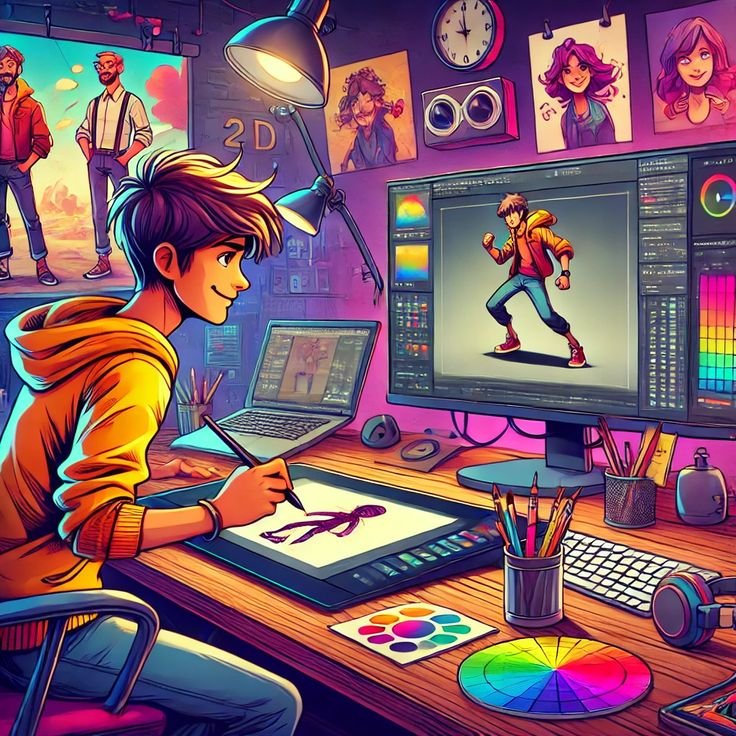
WHY CHOOSE THIS PROGRAM
Industry-focused 2D VFX curriculum
Covers essential visual effects concepts including motion graphics, compositing, animation principles, and digital effects used in modern film, media, and advertising industries.
Hands-on VFX production experience
Create 2D visual effects and motion graphics using tools such as After Effects, Adobe Photoshop, and industry-standard compositing software.
Practical learning with creative projects
Work on hands-on visual effects exercises and real-world creative projects to understand how professional VFX scenes are designed and produced.
Instructor-led design and animation sessions
Includes guided sessions where instructors demonstrate animation techniques, compositing workflows, and creative design practices.
CAREERS IN 2D VFX
300K+
jobs in India (2026)
$12B+
global market value
75%
Films & OTT use VFX
Up to ₹12 LPA
avg salary
After completing the course, learners can pursue roles such as:
2D VFX Artist
Rotoscope Artist
Paint & Cleanup Artist
Junior Compositor
VFX Production Assistant
These roles are available in VFX studios, film production companies, OTT platforms, advertising agencies, and post-production houses.
PRODUCTION STAGES
Understanding VFX in film and media
Roles in a VFX studio: compositor, rotoscope artist, cleanup artist
Overview of the 2D pipeline – roto → paint → keying → compositing
File formats, resolutions, and frame rates
Introduction to project management & shot organization
Practical:
Identify shot types in film scenes
Organize a project using standard VFX folder structure
Introduction to rotoscoping & matte generation
Types of mattes (Garbage, Holdout, Detail)
Manual roto, motion blur edges, and feathering
Tracking-assisted roto in Mocha or Silhouette
Exporting alpha channels for compositing
Practical:
Create a moving matte for a character or prop
Export & use it in a compositing shot
Purpose of cleanup in VFX shots
Wire, rig, and unwanted object removal
Techniques for dust and blemish cleanup
Patch, clone, and paint tools overview
Using clean plates effectively
Practical:
Remove unwanted rigs or trackers from a shot
Clean a background using paint tools
Introduction to compositing software (Nuke / After Effects)
Understanding layers, alpha channels, and blend modes
Green/blue screen keying basics
Merging multiple passes and integrating elements
Light wrap and color correction for realism
Practical:
Composite keyed footage on a new background
Match lighting and contrast for realism
Color correction theory and exposure balance
Shot-to-shot color matching
LUTs, gamma, and color spaces
Matching CG or practical plates visually
Practical:
Match colors between multiple scenes
Create a warm or cinematic grade using color tools
Export formats and file sequences (EXR, TIFF, DPX)
Frame naming, render settings, and review process
Quality check (QC) for roto edges, compositing seams, or flicker
Project handoff documentation
Practical:
Render a final composited sequence for review
Perform QC and fix common visual errors
MASTER IN-DEMAND 2D VFX TOOLS
CAREER SUPPORT
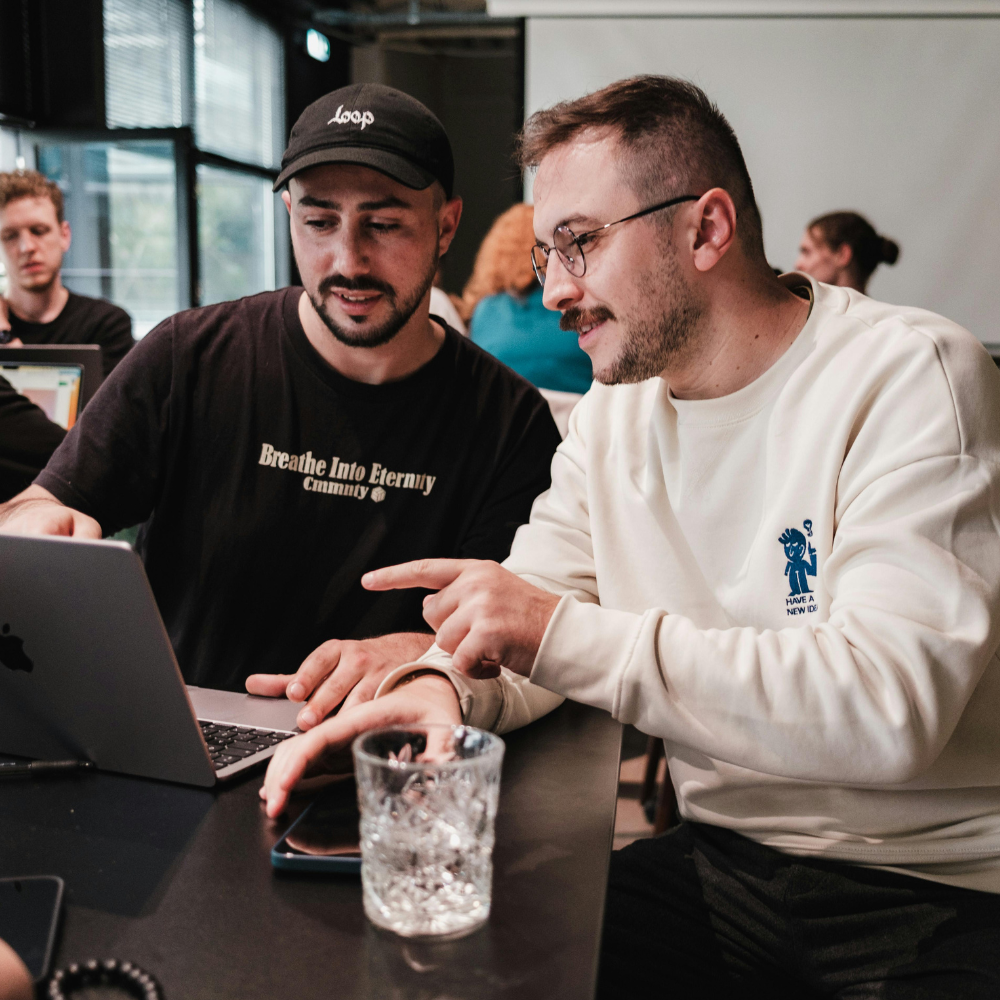
1:1 mentorship from industry experts
Get 1:1 career mentorship from our industry experts to prepare for jobs in AI and ML

Interview prep with experts
Participate in mock interviews and access our tips & hacks on the latest interview questions of top companies

Resume & profile review
Get your resume/cv and LinkedIn profile reviewed by our experts to highlight your AI & ML skills & projects

Access to RagatechSource Job Board
Apply directly to top opportunities from leading companies with our Job Board
DURATION
Total Duration: 10 Months
Training: 4 Months of In-depth Training
Internship: 6 Months Real-Time Industry Internship
Class Duration: Up to 8 hours per day
WHO CAN JOIN
Students interested in VFX and post-production careers
Graphic designers or video editors moving into VFX
Freelancers interested in visual storytelling and compositing
FREQUENTLY ASKED QUESTIONS (FAQ's)
This course covers the complete 2D VFX workflow, including rotoscoping, paint and cleanup, keying, color correction, compositing, and final shot delivery used in professional studios.
The course is suitable for students, beginners, graphic designers, video editors, and anyone interested in starting a career in visual effects or post-production.
No prior VFX experience is required. Basic computer knowledge and an interest in film, animation, or digital media are sufficient to get started.
The training is highly practical. Learners work on real footage, shot-based exercises, and hands-on projects to understand studio workflows.
Learners work with industry-standard compositing and cleanup tools commonly used in 2D VFX production environments.
Yes. Learners receive a course completion certificate from Raga Tech Source after successfully completing the program.
Yes. The structured learning approach and practical assignments make this course suitable for freelancers and working professionals entering VFX.
Raga Tech Source, a trusted 2D VFX Training Institute, focuses on practical workflows, real production techniques, and industry-relevant skill development.